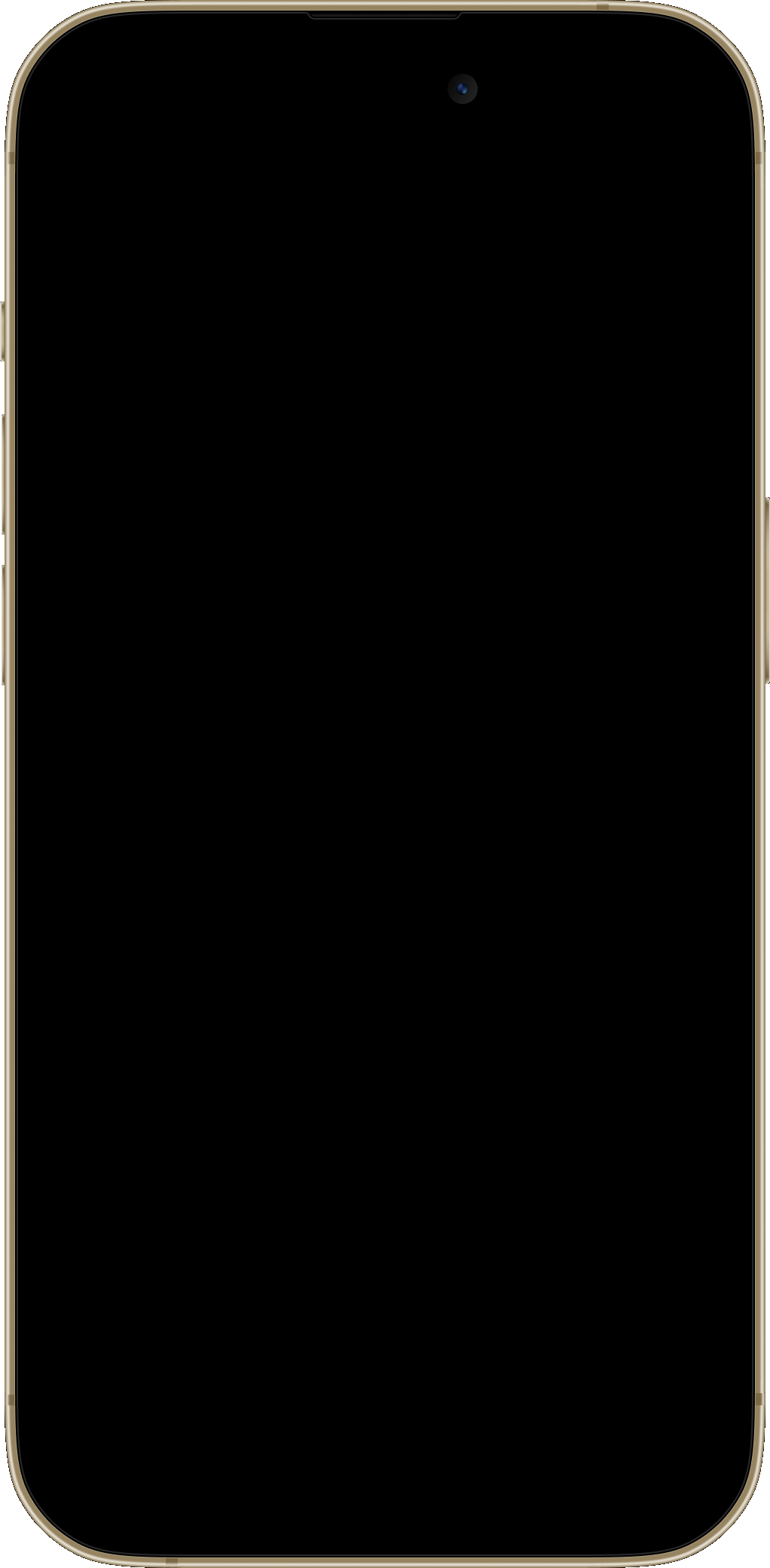
Your daily energy curve
Plan focused work and breaks with an estimate of your daily rhythm. The model uses your sleep and other available Apple Health data.
How the energy curve works →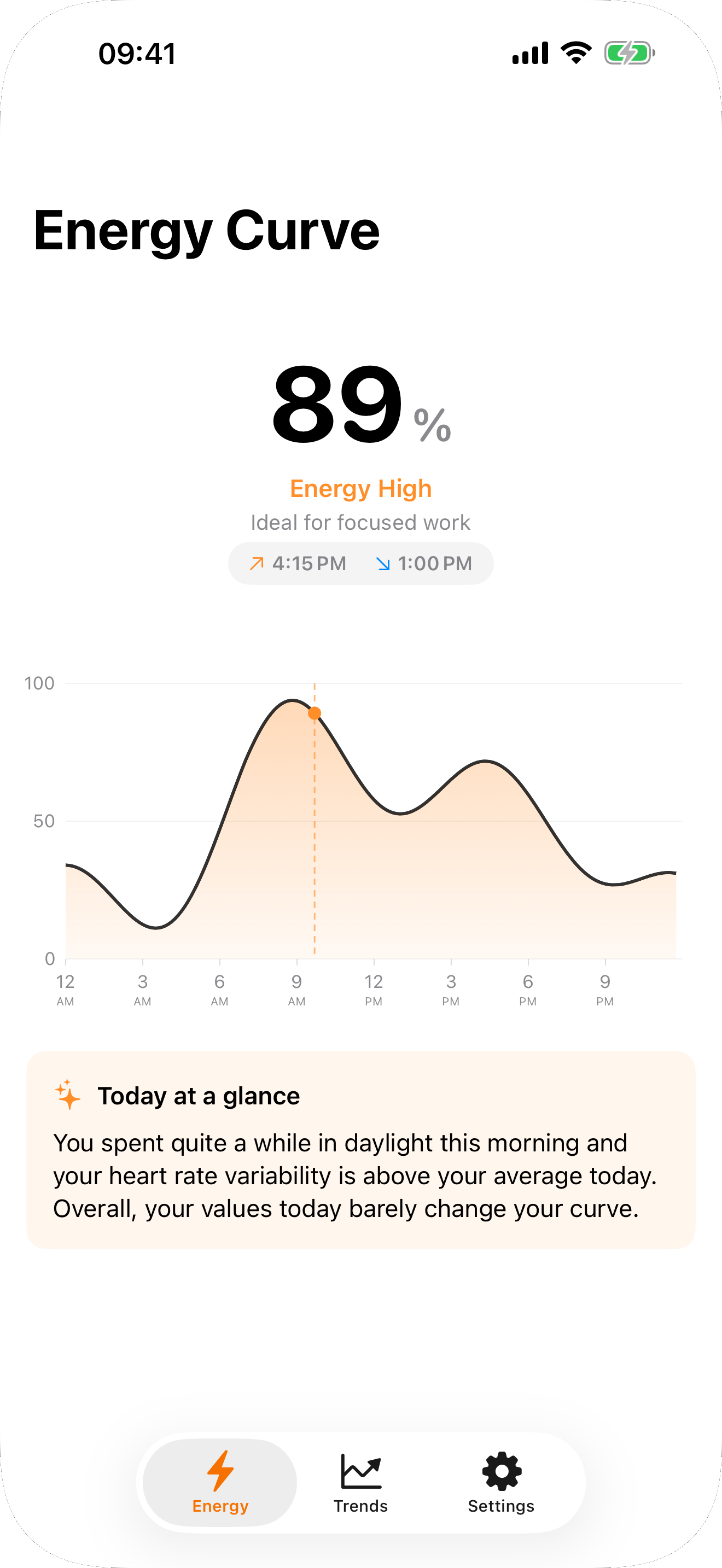
Circadian estimates your daily energy curve from your sleep data. Discover your peaks and dips and find a sleep window that fits your day.
The curve is an estimate. The articles below explain what it is based on.
Circadian estimates your day from sleep and other Health data.
Circadian has no server of its own, no account and no tracking.
For seven days you can use every feature for free. After that, unlocking costs €6.99 once; there is no subscription.
Price in the German App Store. In other countries, the app displays your local price.
 Scan with iPhone
Articles in German
The energy curve in the app, in widgets and on Apple Watch, plus your sleep window, alarm and a look back at your sleep.
Plan focused work and breaks with an estimate of your daily rhythm. The model uses your sleep and other available Apple Health data.
How the energy curve works →See your curve on the Home Screen, peaks and dips on the Lock Screen and your sleep window in StandBy. The Watch app brings your curve to your wrist.
Set up your widgets →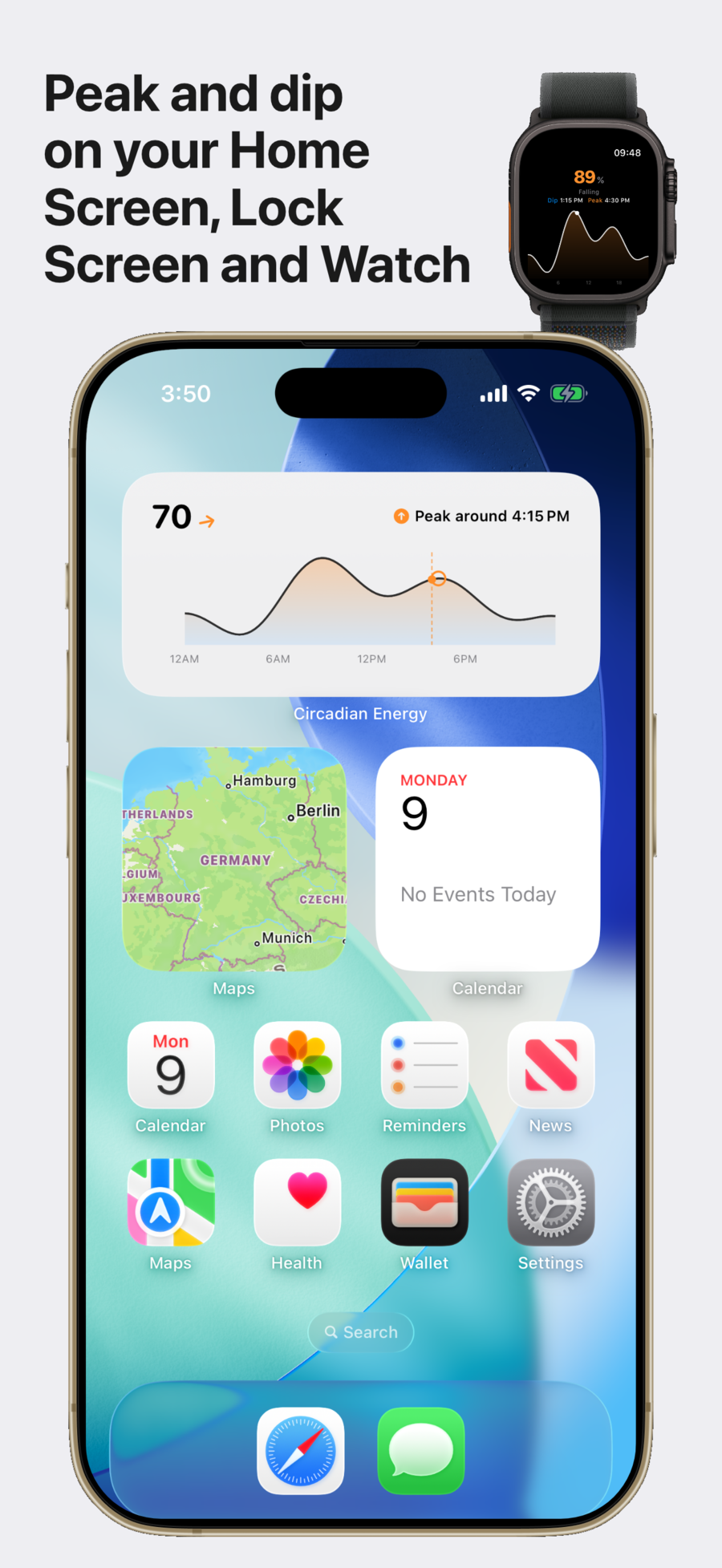
Choose your earliest and latest wake time. Circadian calculates an alarm time within that window. Optionally, Apple Watch uses movement cues to help choose when to wake you.
Set up your smart alarm →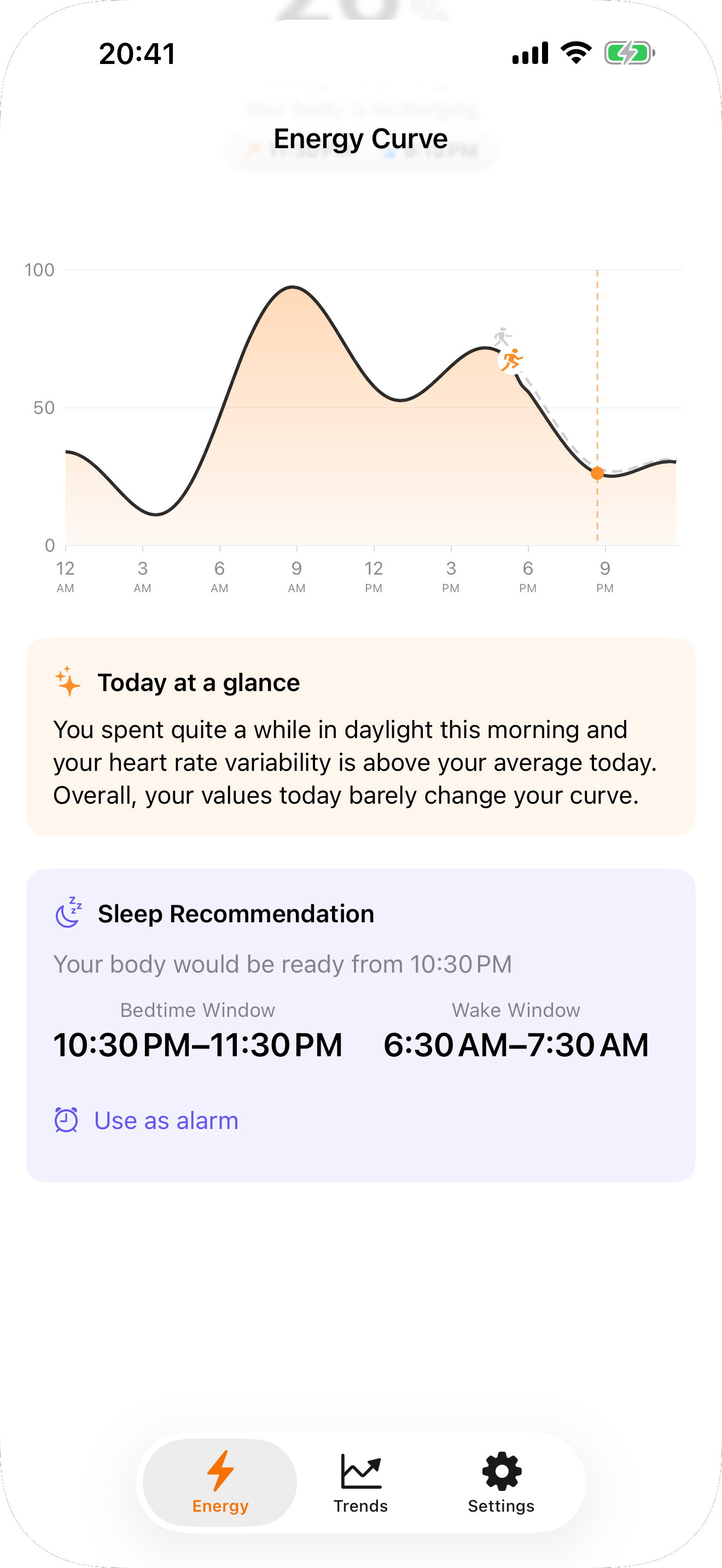
See when you fell asleep and woke up over 14 or 30 days and whether HRV, resting heart rate and respiratory rate are within your usual range. You can still compare your energy curve with a date range.
Understand sleep data and trends →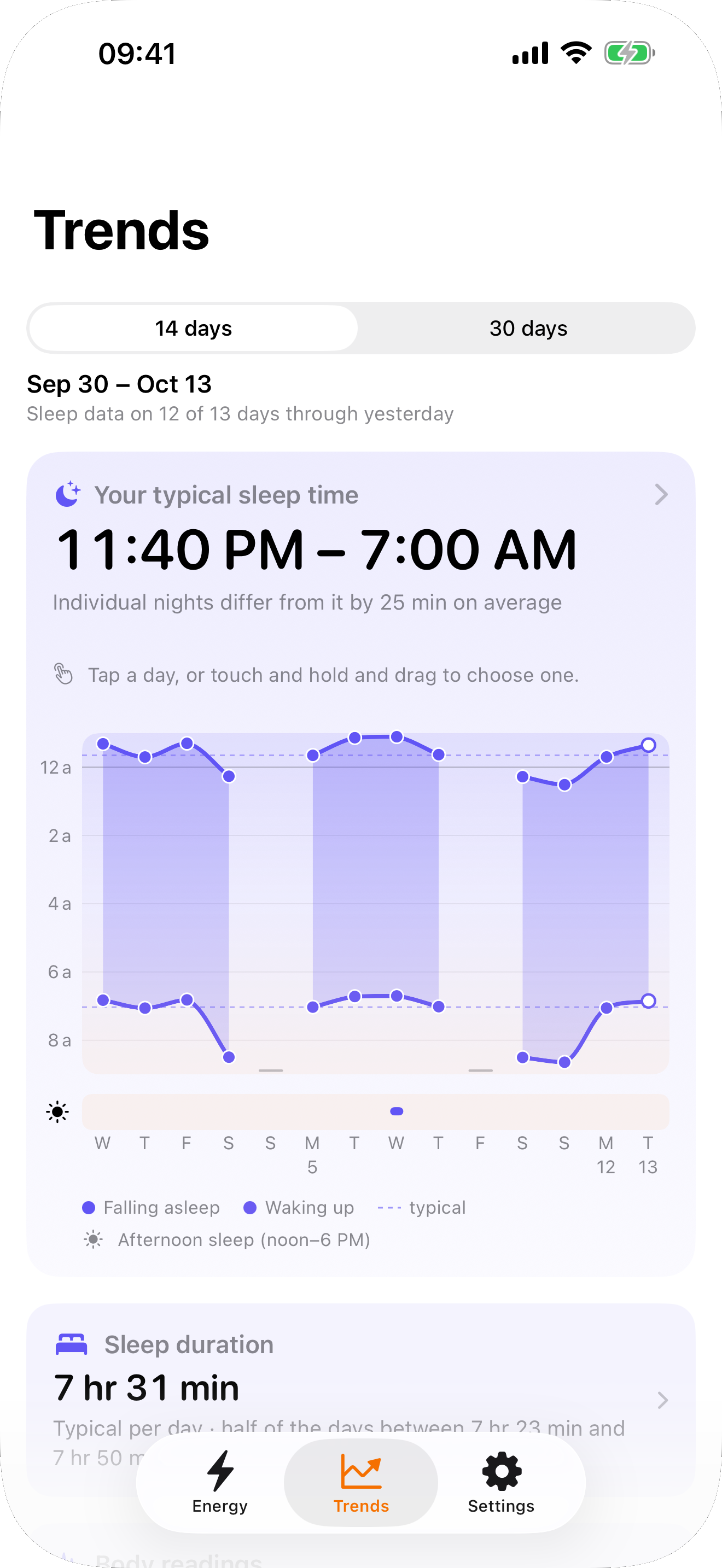
The energy curve is a model-based estimate, not a measurement of your actual performance or medical advice. Smart Wake does not detect sleep stages in real time.
Every feature is included in the trial. Afterwards, you decide whether to unlock Circadian permanently.
For seven days you can use every feature for free. After that, unlocking costs €6.99 once; there is no subscription.
Price in the German App Store. In other countries, the app displays your local price.
Requires iPhone with iOS 26 or later. Optional Apple Watch with watchOS 26 or later.
Download on the App StoreCircadian requires iOS 26 or later. The optional Apple Watch app requires watchOS 26 or later. You do not need an Apple Watch to use the iPhone app.
Circadian estimates your energy pattern using a model based on sleep research. Your sleep and other available Health data personalize the curve. It does not measure your actual performance or replace a medical assessment.
No. Circadian can use sleep data from any source that writes to Apple Health. Without suitable data, the app uses default values. The optional wrist alarm requires an Apple Watch.